

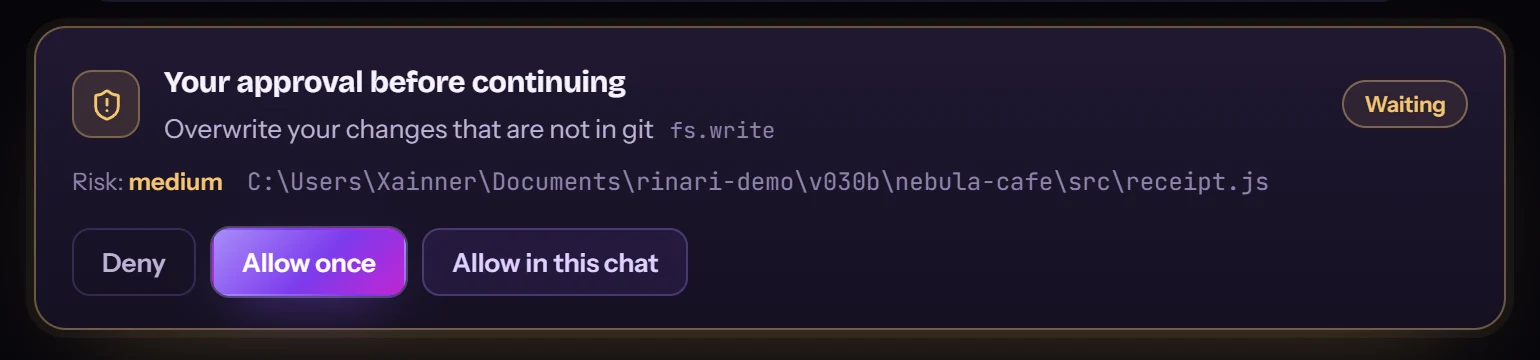
Your changes?She asks first.
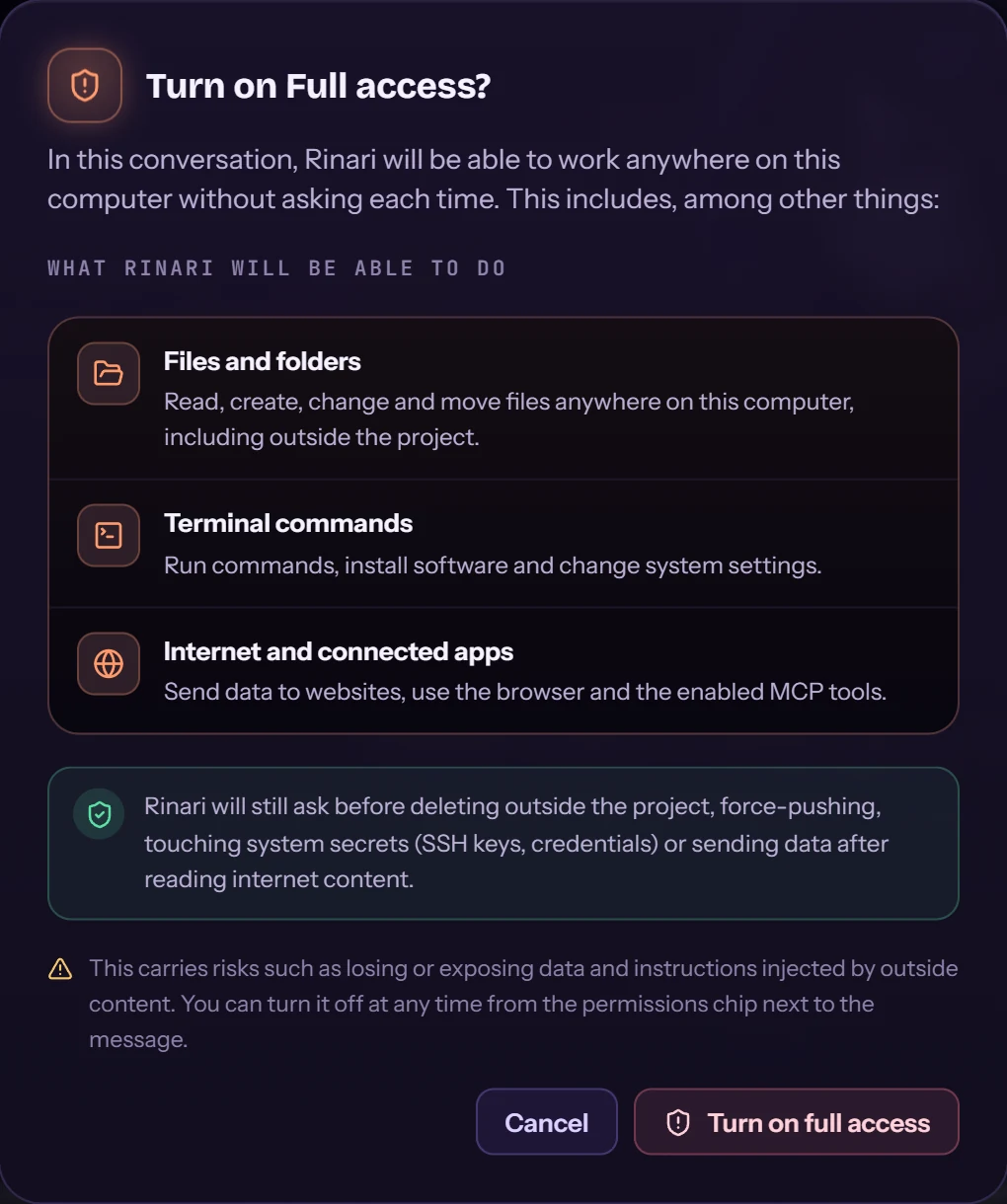
Risky actions wait for you, with the risk and the exact path: deny, allow once or allow in this chat.

She reads your repo, fixes what’s broken and proves it with tests. In your terminal. On your desktop.



Oh. You finallyopened the terminal.
Tell herwhat’s broken.
A real bug in a real project: the WELCOME10 coupon breaks the checkout.
She readsthe repo.
Files, tests and git state, before touching anything.
Reproducesthe bug.
A failing test first.
Fixes it.
Then runs the suite again.
Proves itwith tests.
Green because it passed, not because she said so.
DONE.Verified.
completion: DONE — all required kinds passed.
Start in theterminal.
rinari desktop . --session …

Continue on thedesktop.
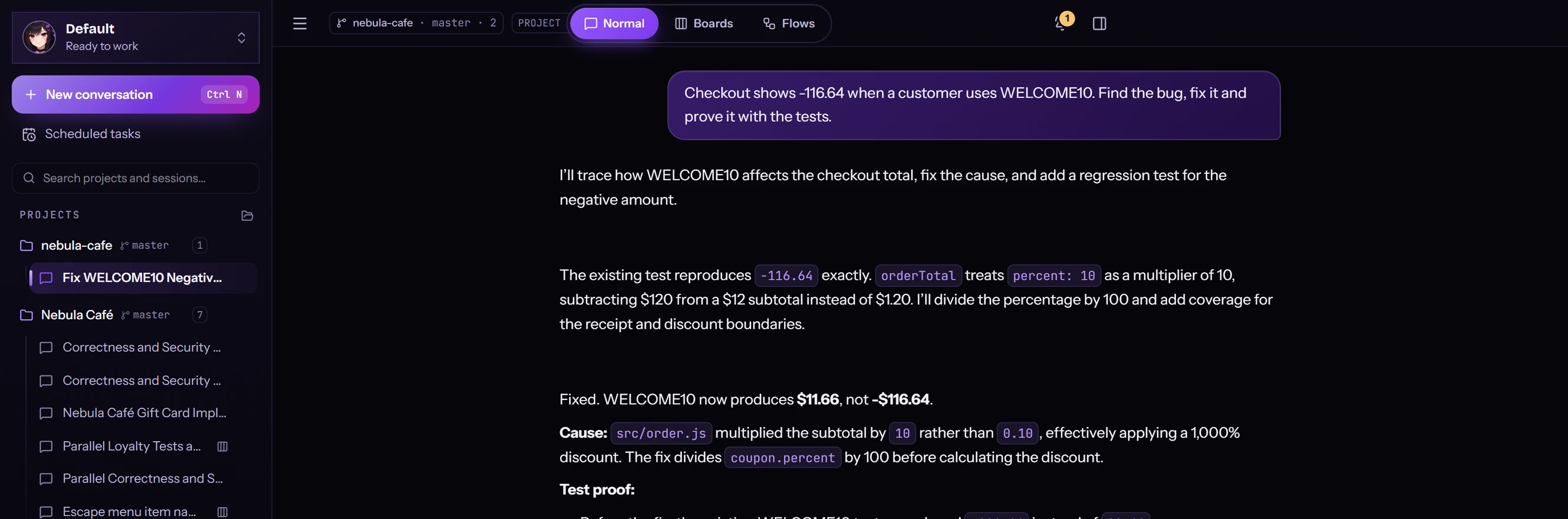 your request, from the CLI
Same session.
Choose how she approaches the task. The engine applies the permissions that go with it.
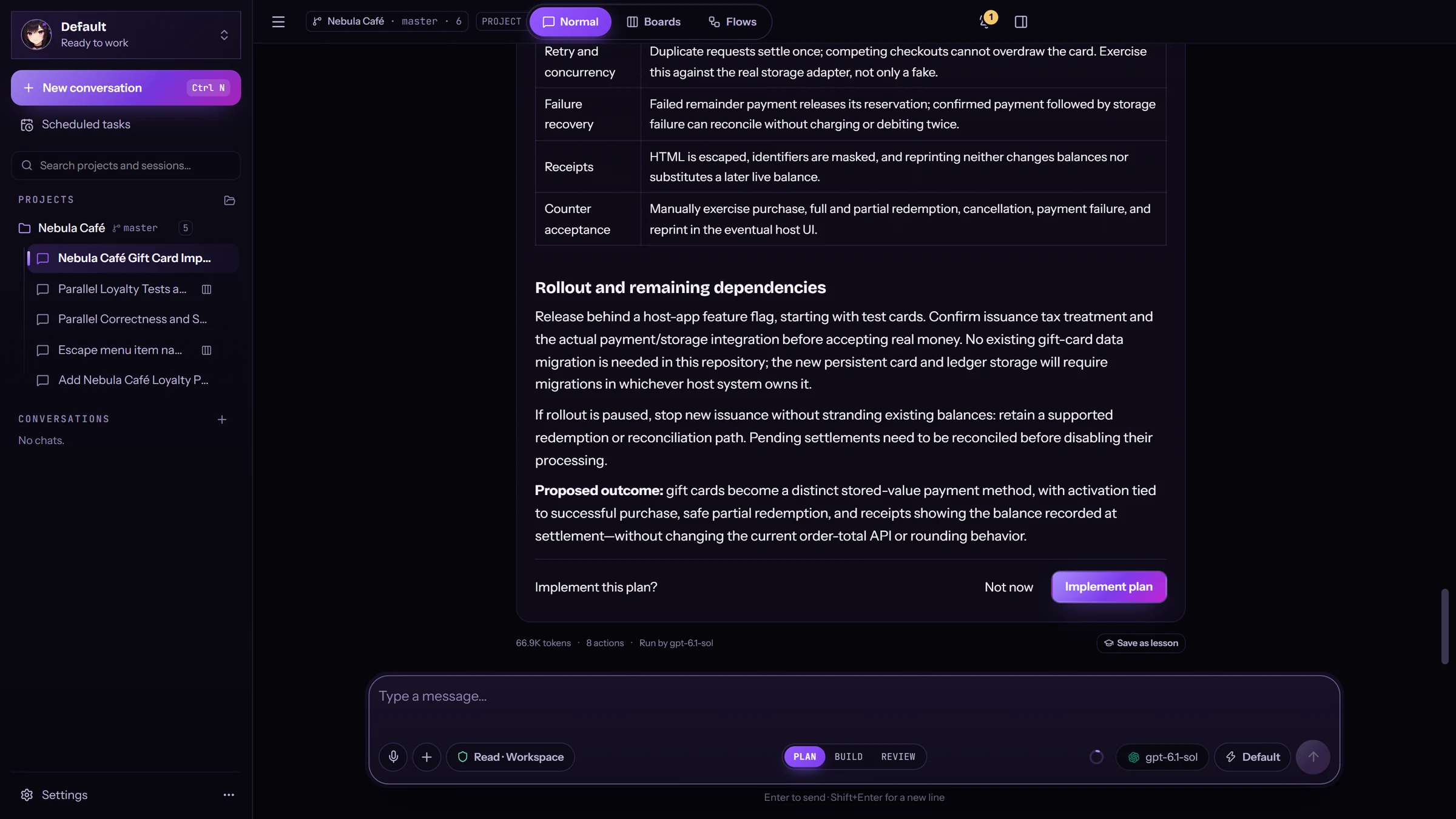
Plans first.Touches nothing.
Implement this plan? — you decide.
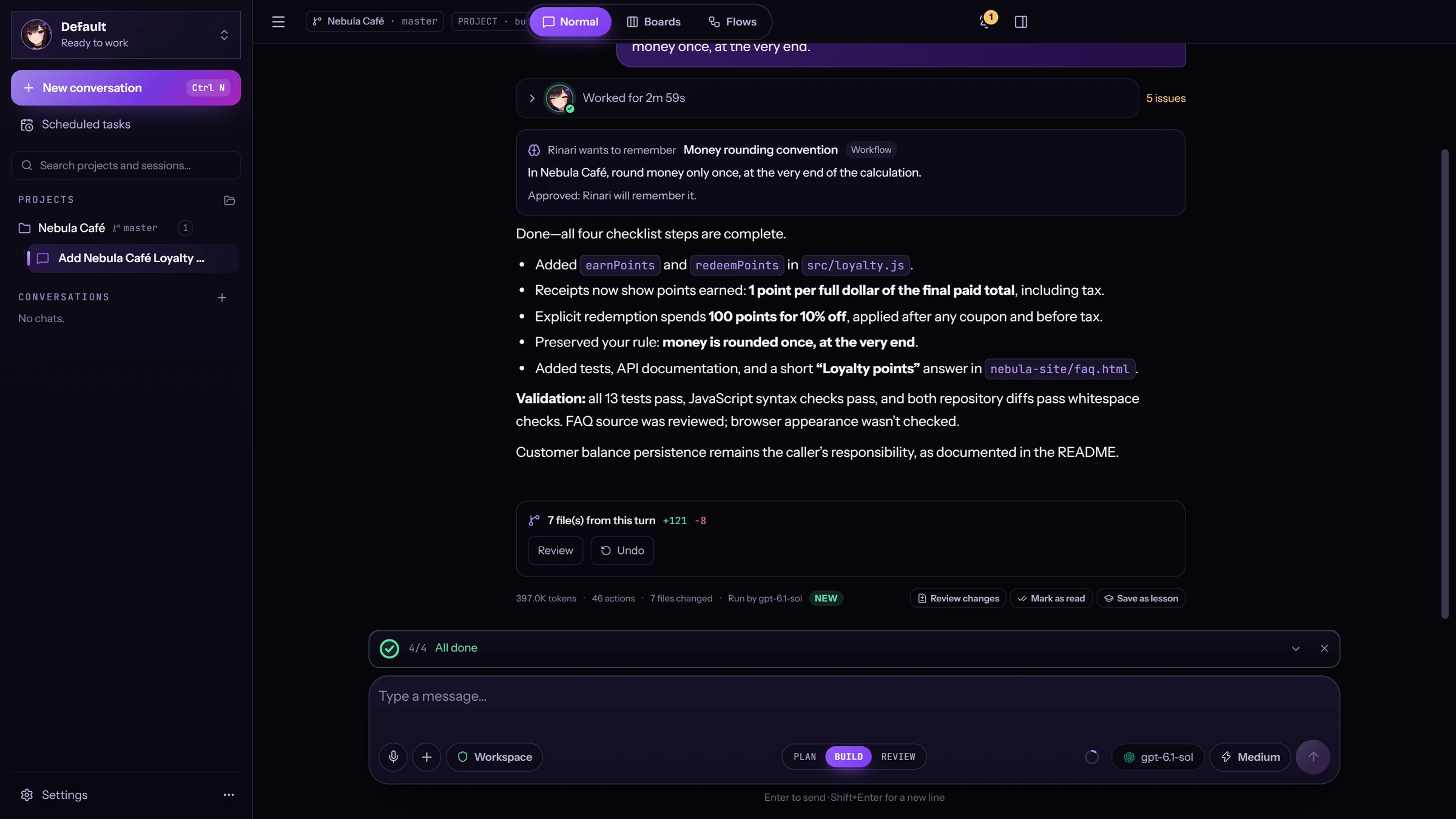
Builds it.13 tests pass.
Plus syntax and diff checks, straight from the run.
Reviews it.Confirms the real bug.
An arithmetic check confirms the rounding defect. No files modified.
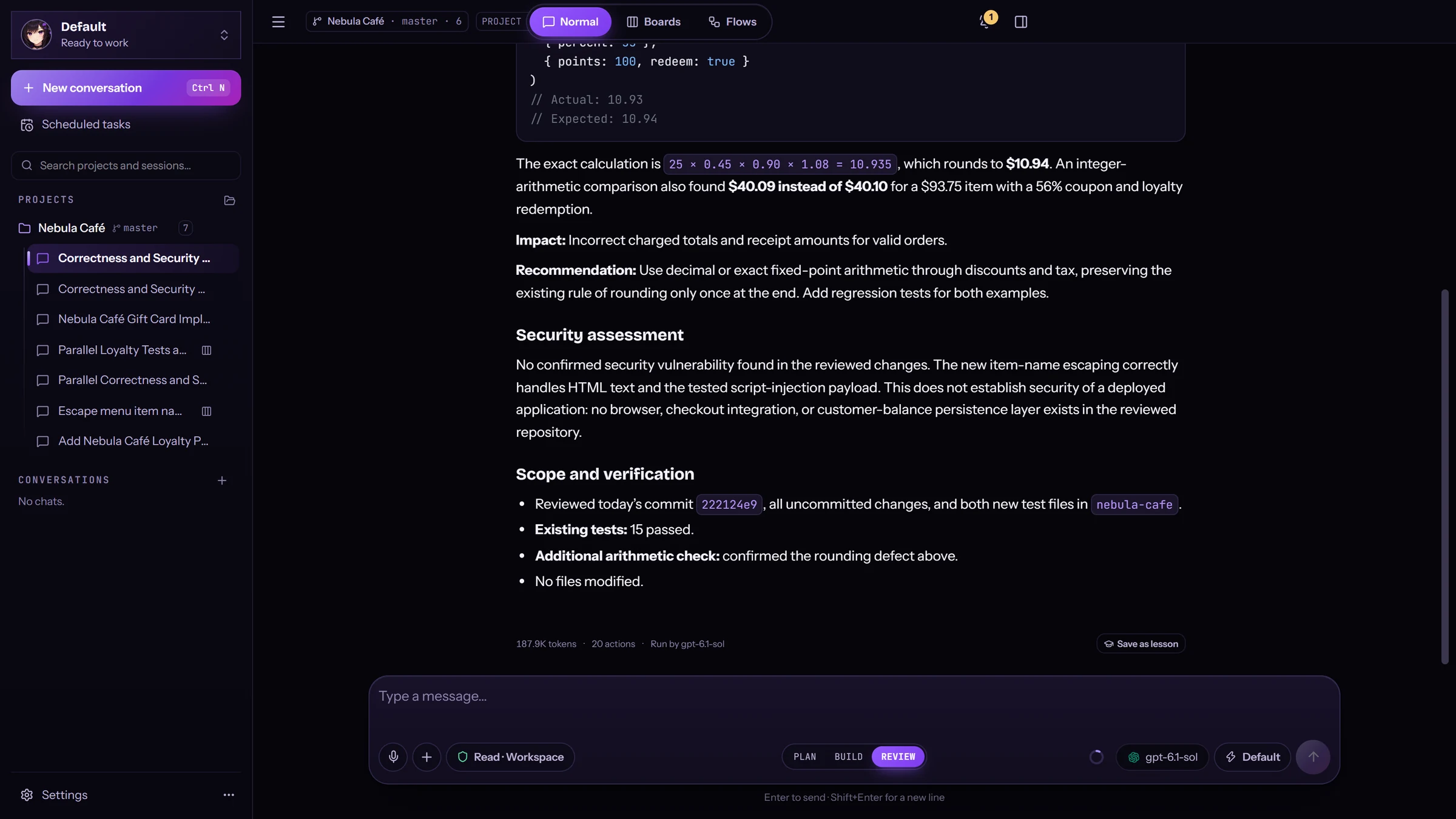
Obsidian Neon redesigns every screen — and the workspace learned new tricks.
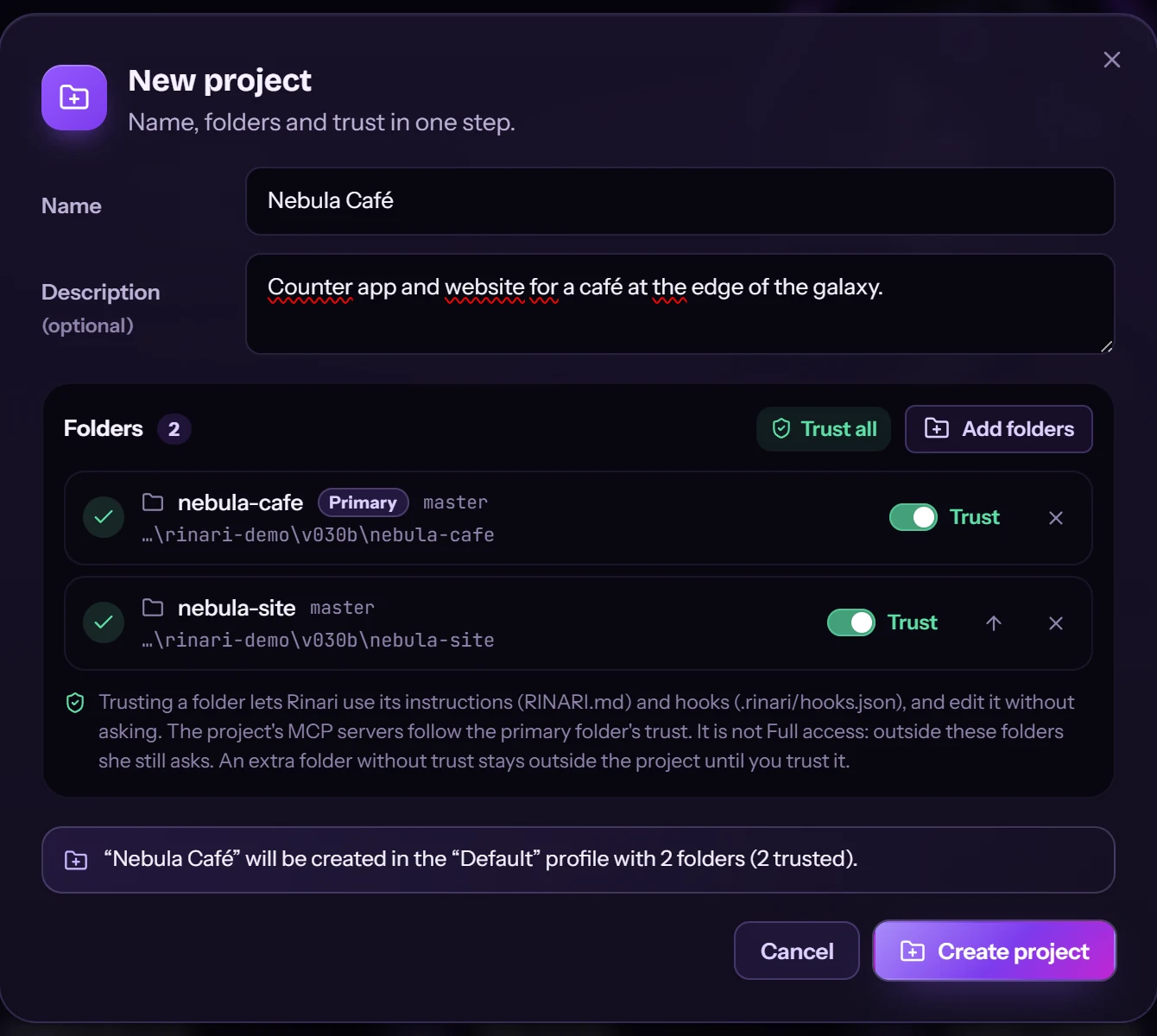
Several folders.One project.
An app and its website in one project, each folder with its own trust.
A livechecklist.
She lays out the steps of the job and ticks them off as she goes. You can steer her mid-turn.
She rememberswhat matters.
“Round money once, at the very end.” She asks to remember it. You approve.
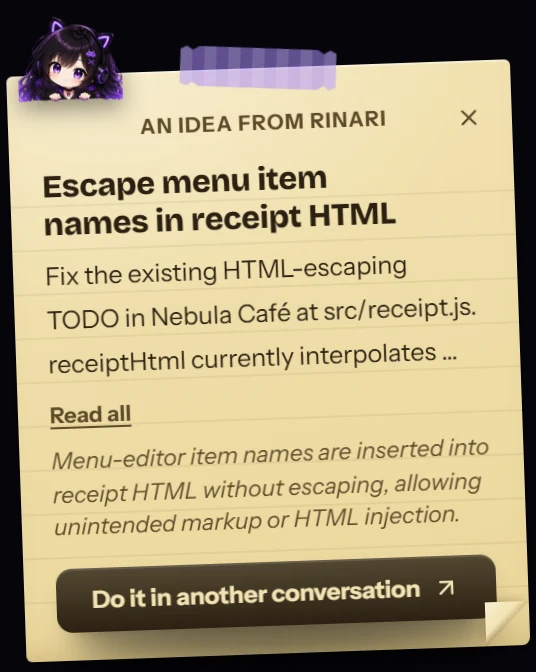
And leaves younotes.
Spotted something outside the task? She pins a note. One click starts it in another conversation.
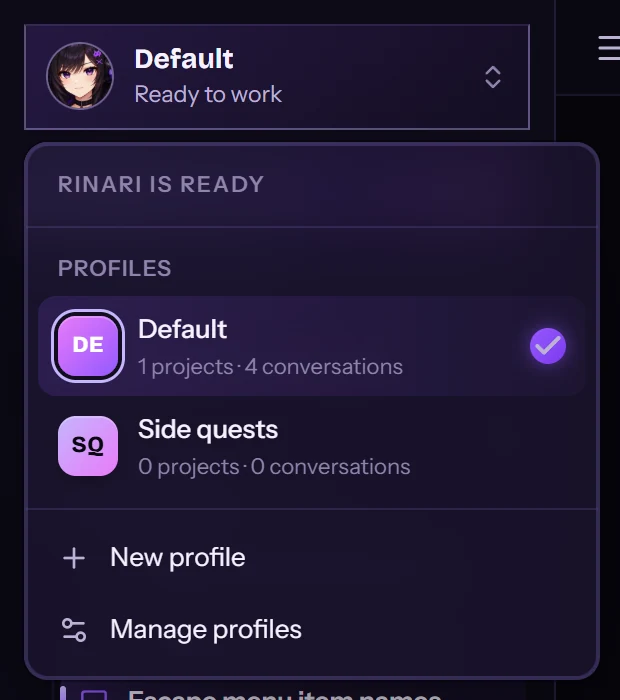
Profiles becomeworkspaces.
Each profile keeps its own projects and conversations.
Talk to her.Locally.
Ctrl+Space and speak. whisper.cpp transcribes on your computer: nothing leaves it.









Tool calls, approvals, evidence and diffs sit next to the conversation — observable activity, not a story about it.
Risky actions wait for you, with the risk and the exact path: deny, allow once or allow in this chat.
Tests, diff checks and syntax checks, recorded in the Verification panel.
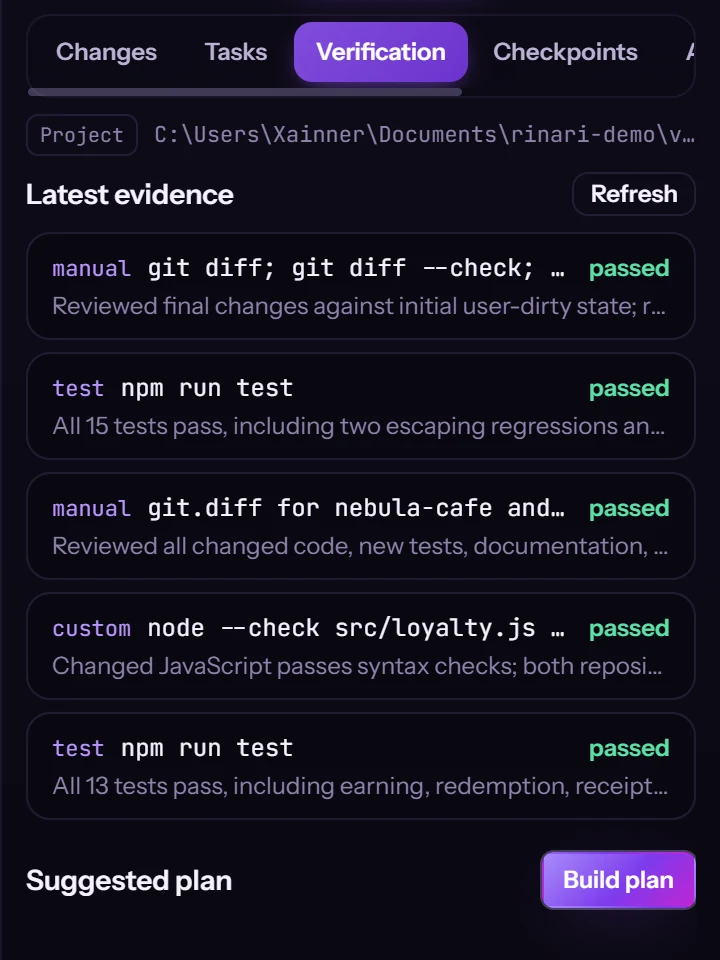
Two read-only reviewers at once. She waits, merges and gives you one verdict.
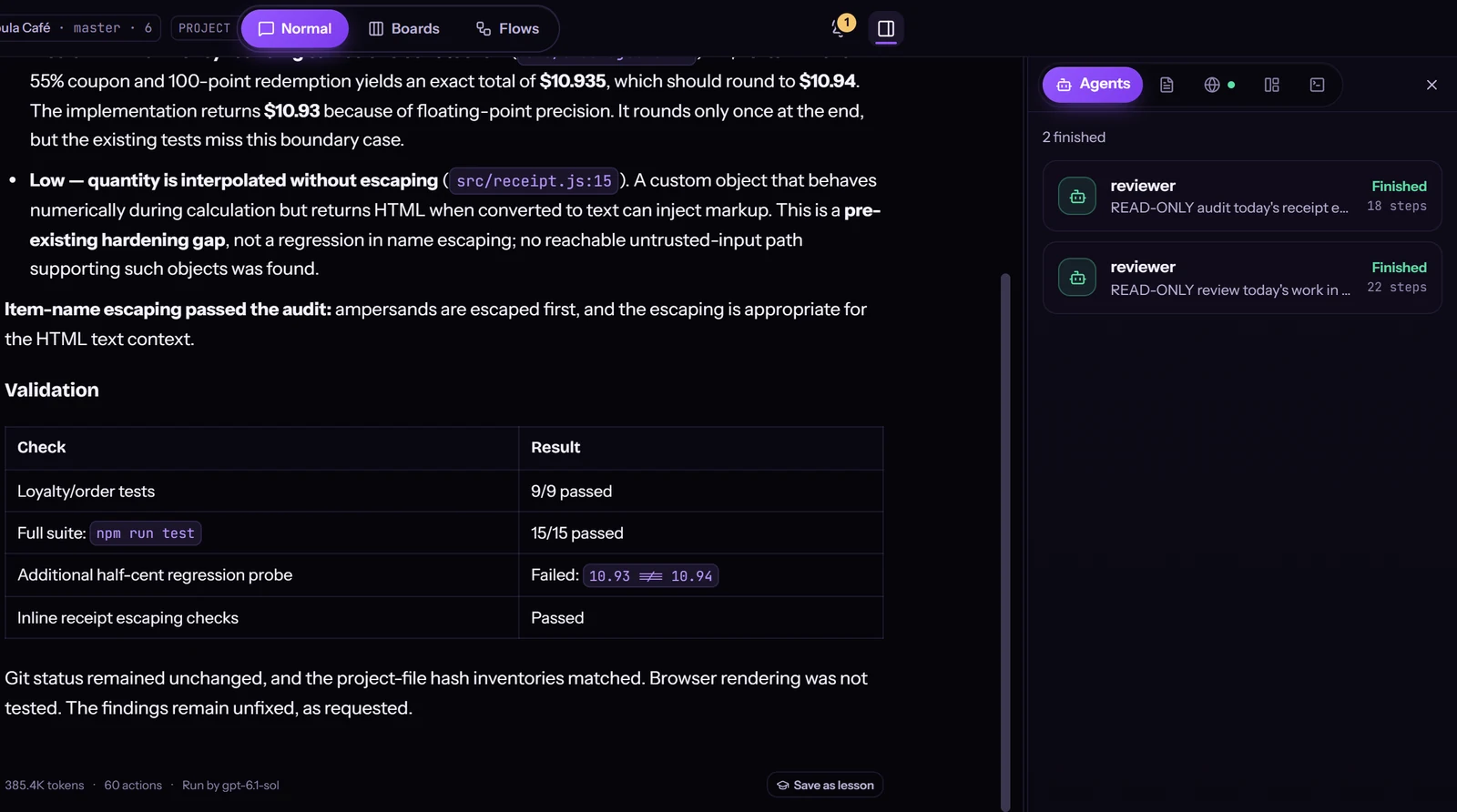

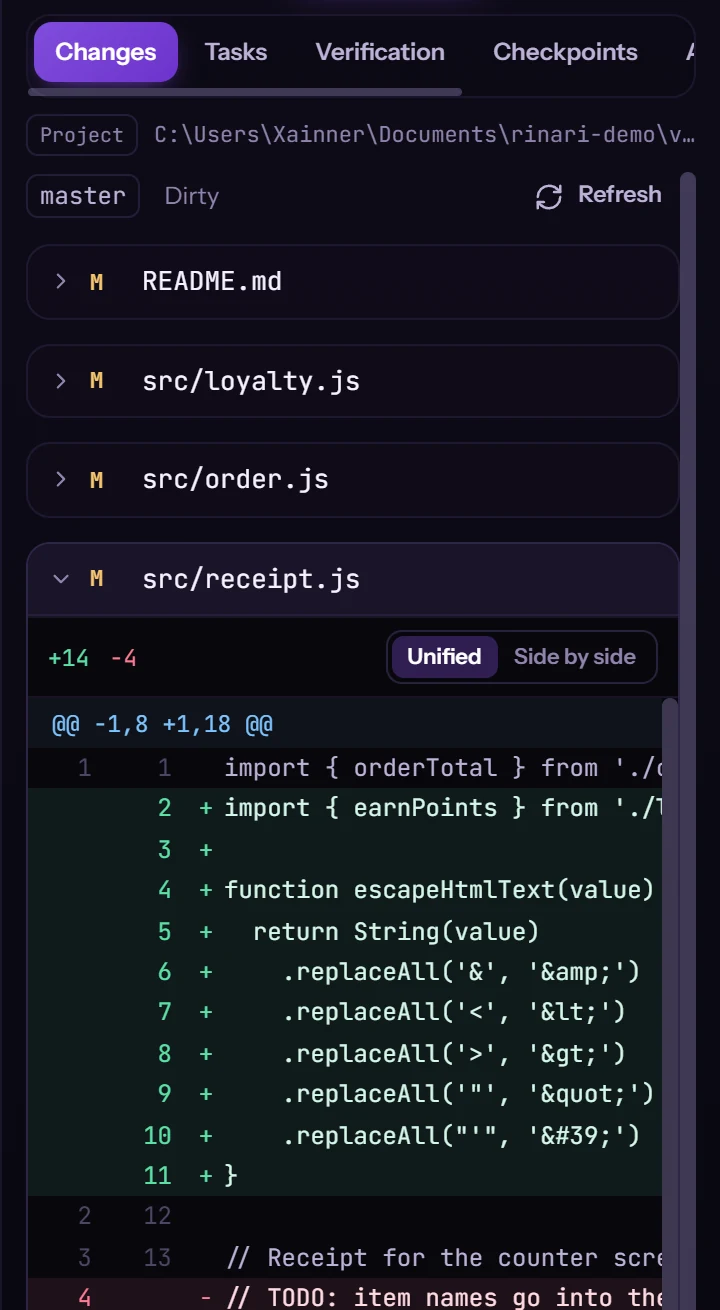
Changes, tasks, verification and checkpoints beside the chat.
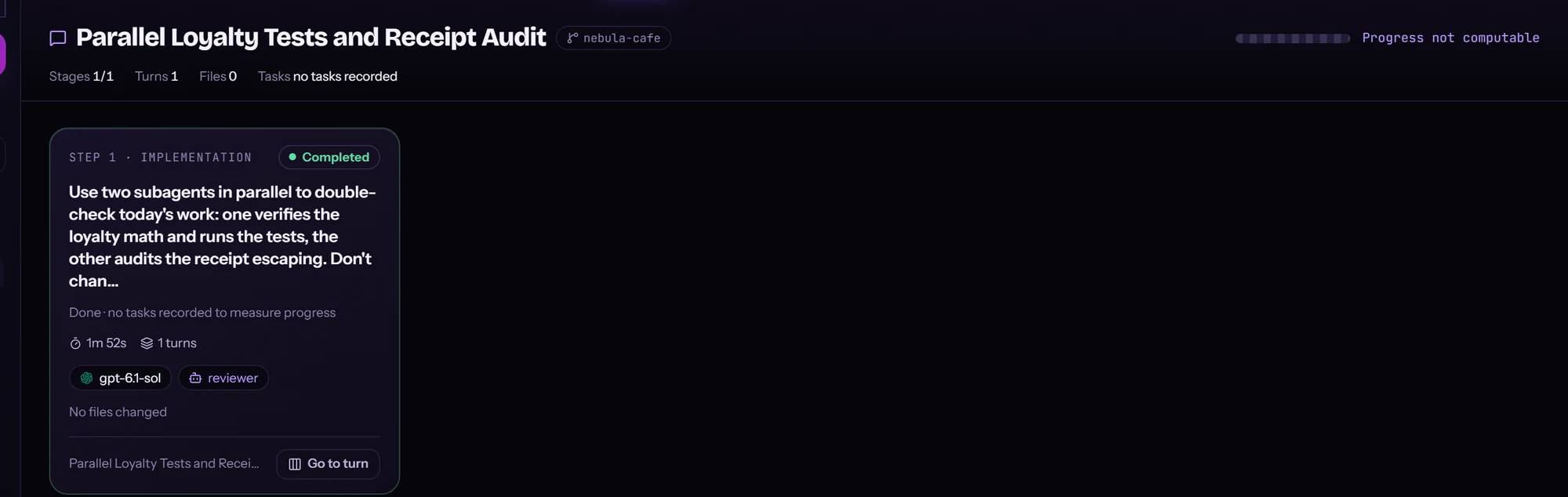
Flows lays a session out as its stages, with turns, time and the agents involved.
Before you turn it on, she lists what it allows — and what she will still ask about.
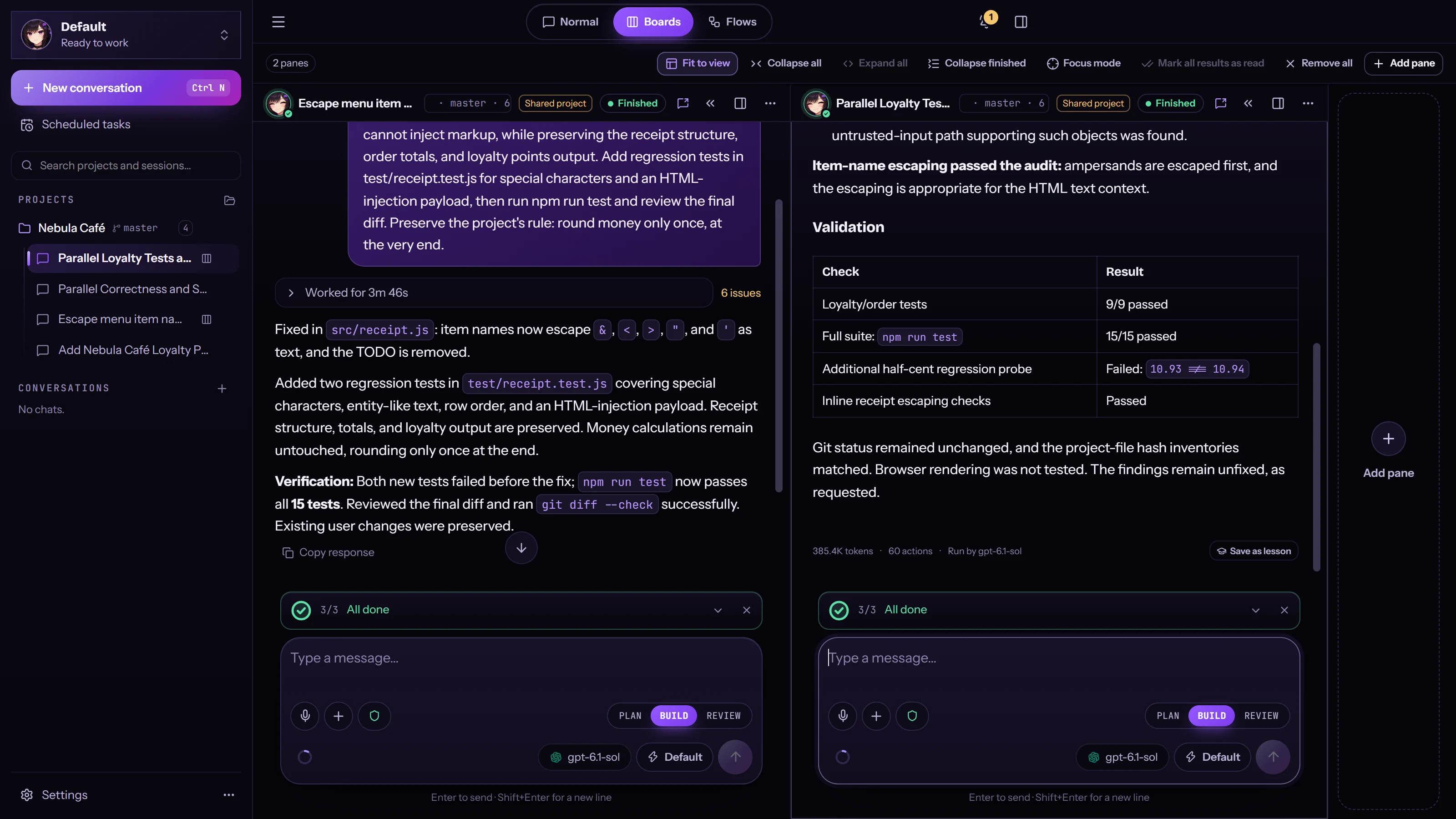
Several conversations in one window, each with its own project, model and chat. Ctrl+Shift+B.
Fine.
…I’m still me.
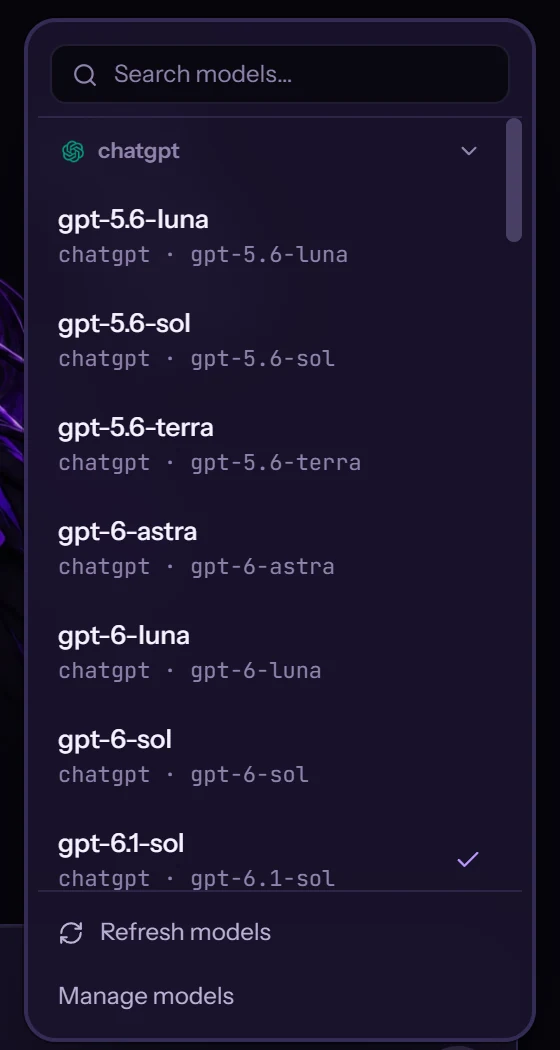
OpenAI, Anthropic, Ollama, LM Studio, OpenCode Go or any OpenAI-compatible endpoint. Pick per chat, per agent. Same Rinari.
Go on, hover another model.Go on, tap another model.




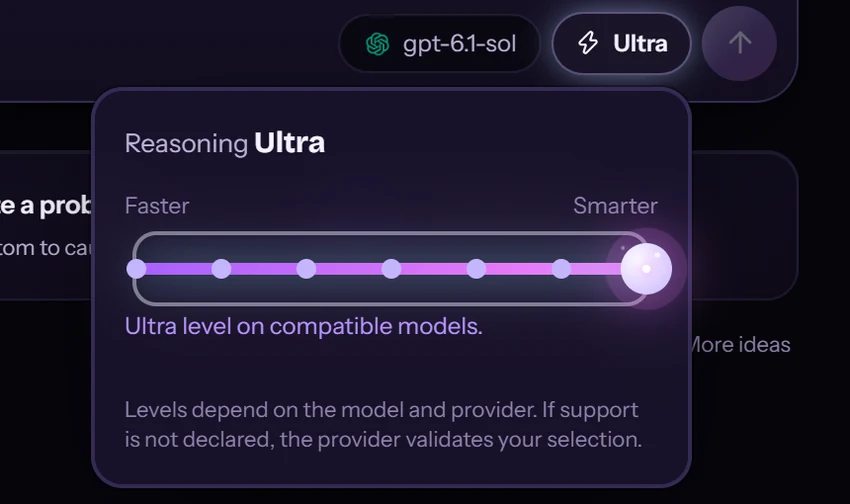
Choose how much character she shows. The facts are the engine’s: what she can do and how she reports results never change.
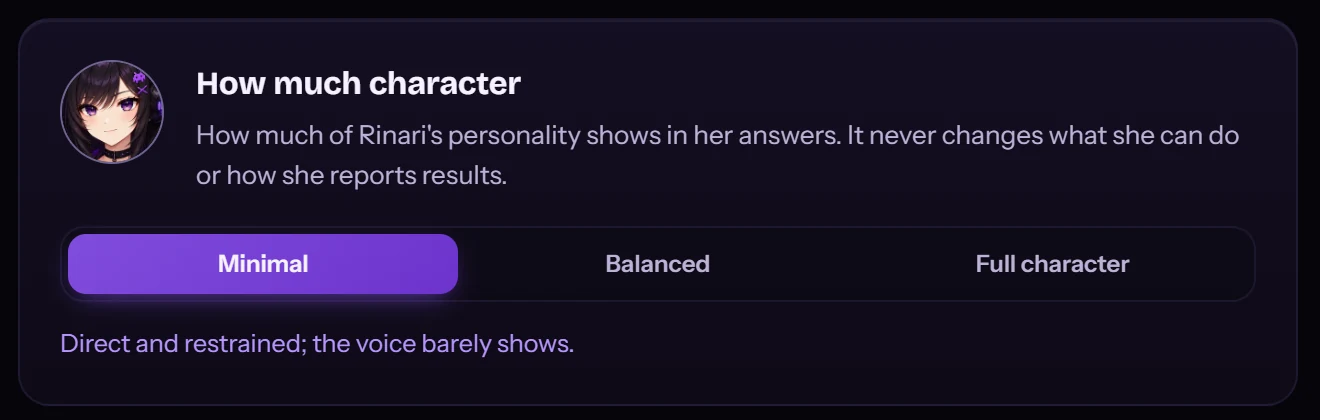
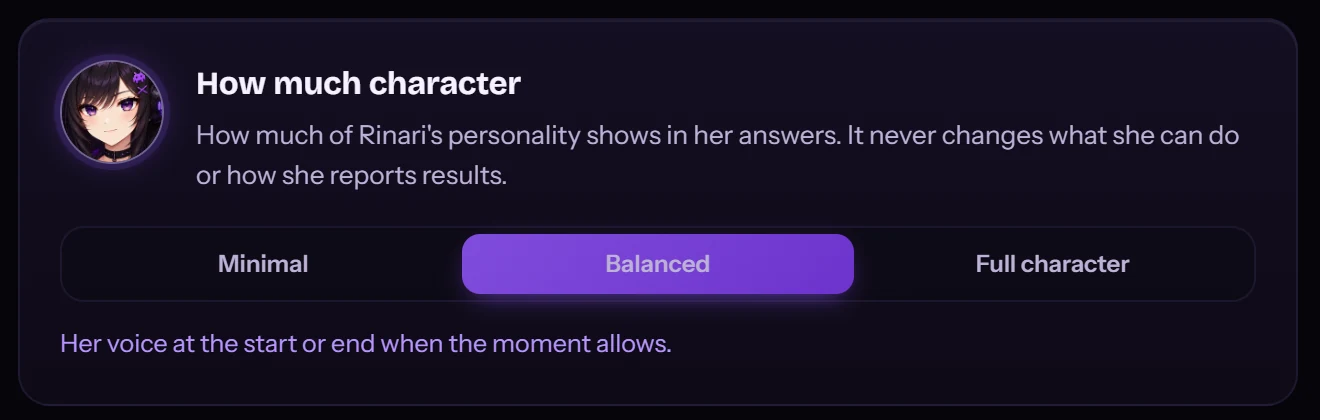
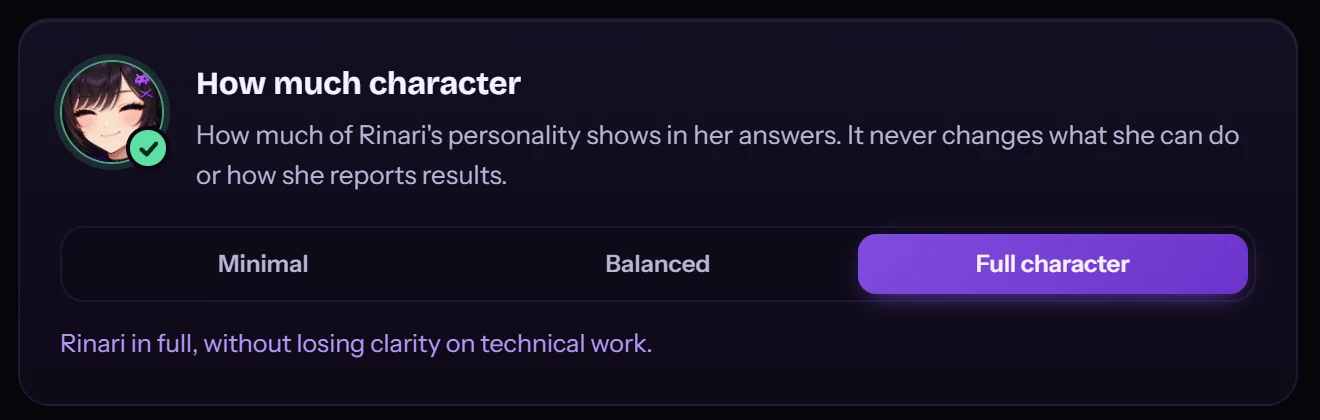
Move to look underneathDrag to look underneath
Rinari Agent 0.3 in 93 seconds. Every product shot is a real capture.

Coming from 0.2? After updating, 0.2.x can’t reopen your data.
The installer isn’t code-signed yet, so Windows SmartScreen may ask you to confirm.
Tick “Add Rinari CLI to PATH” to use her from any terminal.
Settings → Providers. Test the connection, pick a model.
Start in the terminal, then move the same session to the desktop: